How To Use Gmail Delegate
Introduction
The purpose of this handbook page is to describe how to utilize Gmail Delegation. Gmail delegation gives the ability to access another individuals Gmail Inbox.
How To Access Delegates
Using mail.google.com
**Note**
{: .panel-heading}
Gmail Delegation is only available via the Gmail Webpage
-
Log into
mail.google.comwith your Denomas email address -
In the top right corner of
mail.google.comclick on your Gmail Profile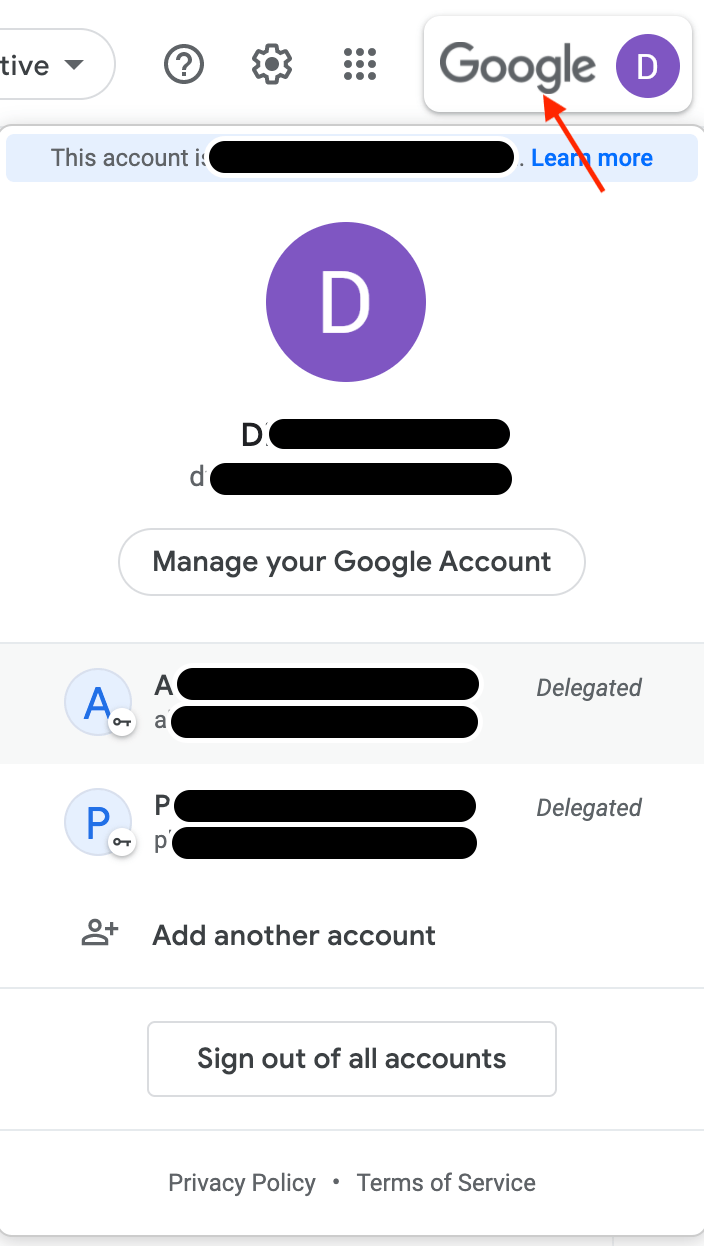
-
If you have delegation access you will see the team members account under your
GmailAccount. -
Click on the team members account
- This will bring you to the team members inbox.
- You will be able to
viewandsendemails on behalf of the team member.
Last modified November 19, 2023: updated (
b8f75ed5)
